

The CAN specialist
-Hidden- -Hidden-
Nederlandse taal English language
Skip to main content

PLIN-USB

PC USB interface with 1x LIN, galvanic isolation

On request


The Peak PLIN-USB supports the LIN protocol
PLIN-USBby Peak

Stock DE

Request for quote

Ask a question

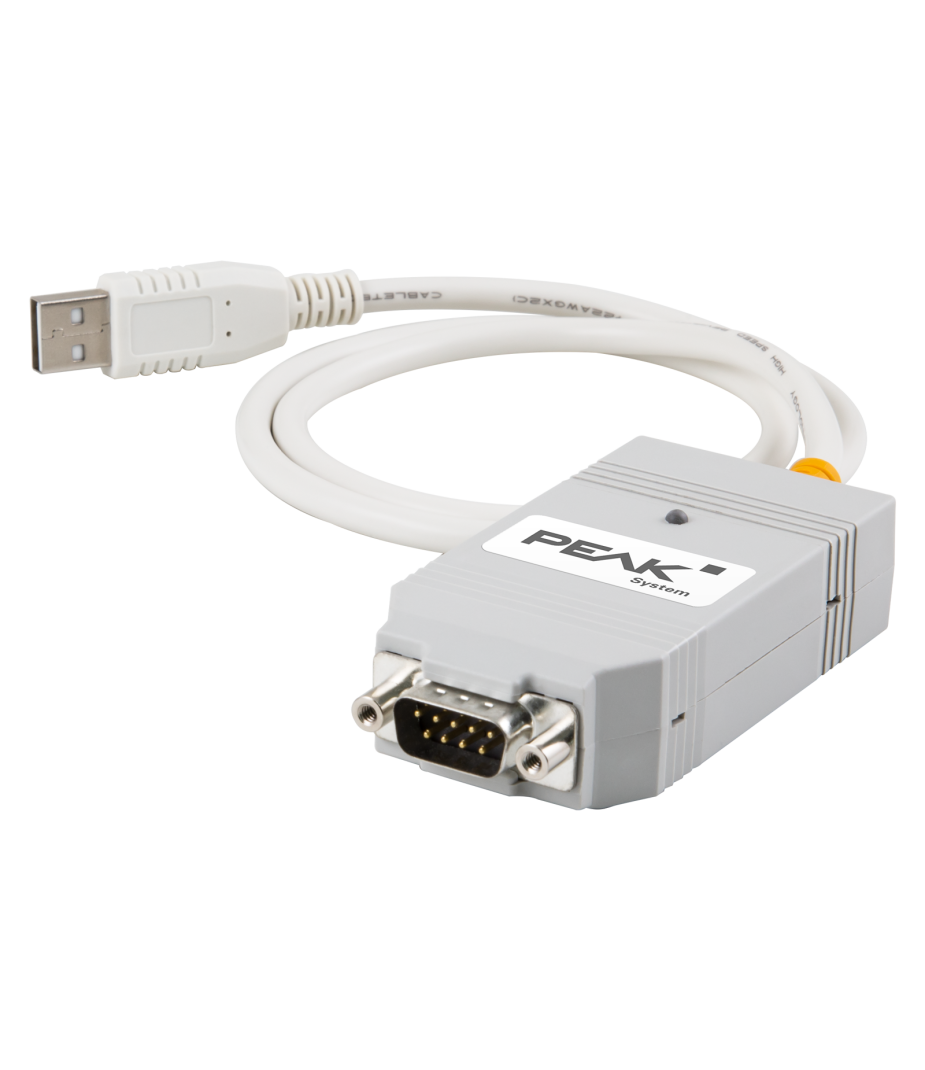
The Peak PLIN-USB is a compact USB interface for connecting a computer to a LIN network. In addition, the device supports efficient LIN communication in automotive and industrial applications. Primarily, the interface is used for the development, diagnosis, and testing of LIN networks. Furthermore, the solution is suitable for cost-effective serial communication. As a result, the interface is frequently used in embedded systems and vehicle electronics.

The PLIN-USB supports the LIN protocol in accordance with the ISO 17987 standard. Additionally, the hardware complies with all LIN specifications up to version 2.2. During configuration, the interface can function as a LIN master or LIN slave. This ensures the solution remains flexible across a wide range of LIN applications. Furthermore, integration into existing development environments is straightforward.

The PLIN-View Pro monitoring application and the PLIN programming interface are included with delivery. These tools enable users to analyze, test, and develop LIN communication.


Features and benefits

  • 1x LIN interface
  • Cost-effective, versatile and extremely reliable
  • Galvanic Isolation between network and interface
  • Includes CAN Bus Monitor software for Windows®
  • Universe driver for easy exchange between different Peak interfaces
  • Powerful programming interface for Windows® and Linux (incl. SocketCAN)

Tech Specs

Controller

1x LIN

LIN Mode

LIN V2.2 (and lower)

LIN Baudrates

Max. 20 Kbit/s

LIN Transceiver

TI TJA1028

Galvanic Isolation

Up to 500 V

Connector

D-Sub9 (CiA® 106)

PC Interface

USB-A

Driver

Peak Device Driver for Windows® or Linux

Power Supply

Via USB connection, 5 V=
LIN via D-Sub9, 8~18 V=

Current Consumption

USB max. 30 mA
LIN max. 20 mA at 12 V=

Temperature

Usage -40 °C to +85 °C
Storage -40 °C to +100 °C

Dimensions

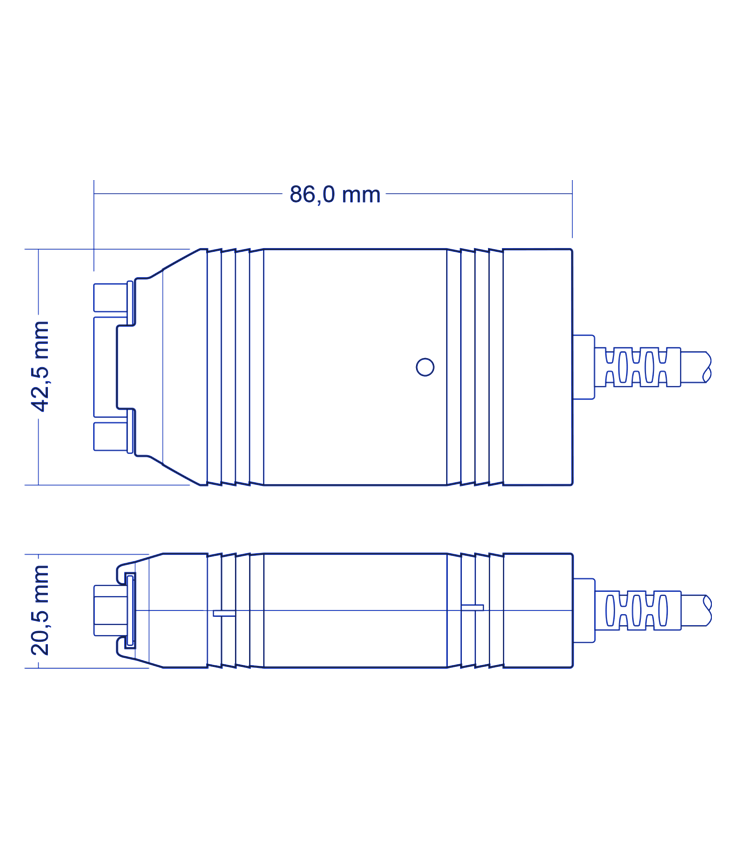
87 x 43 x 22 mm

Certification

CE, UKCA
 
The following software is provided free of charge with the Peak PLIN-USB. The current version is available for download.

LIN Bus Monitor

Peak PLIN-View Pro

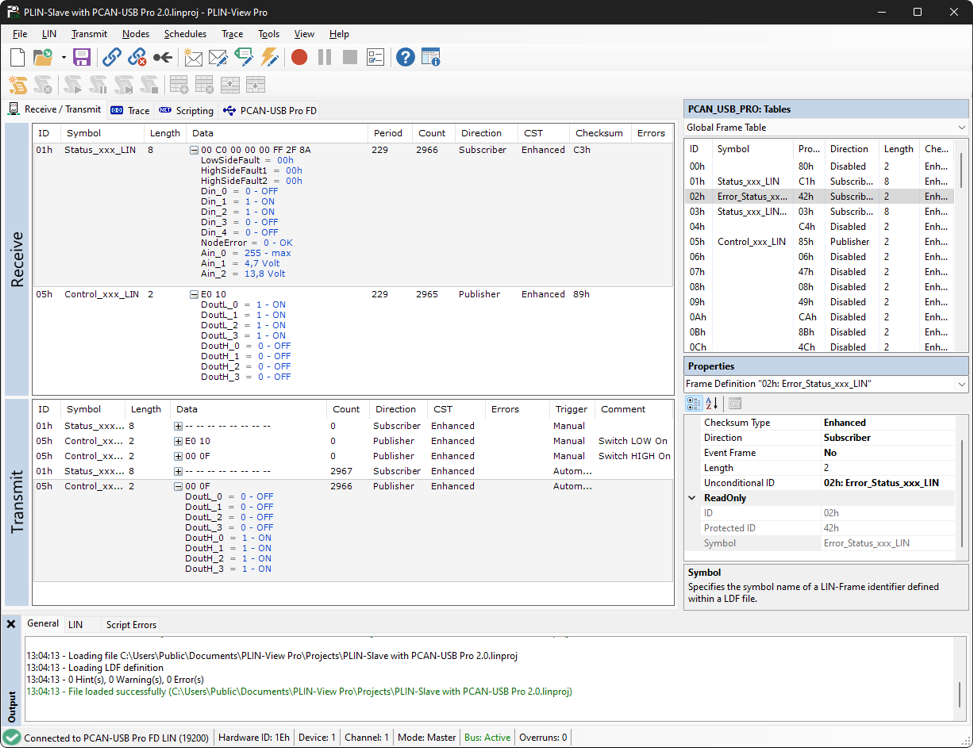
The LIN monitor PLIN-View Pro is Windows® software for viewing, sending and recording LIN messages. The software is installed ready for use under Windows® with the installation of the driver package. The package works in both LIN Master and Slave mode.

This monitor can be used to display LIN messages with message IDs and data using PLIN-USB. They can be displayed symbolically by importing an LDF file. A Trace function allows the received data to be written directly to the hard drive. LIN messages are sent from a list in which the LIN messages have been entered.
An editor can be used to write C# scripts to automate LIN data and LIN elements.

Installed interfaces are displayed with the available LIN controllers, the current bus load and the controller status.
Common Driver

Peak Device Driver

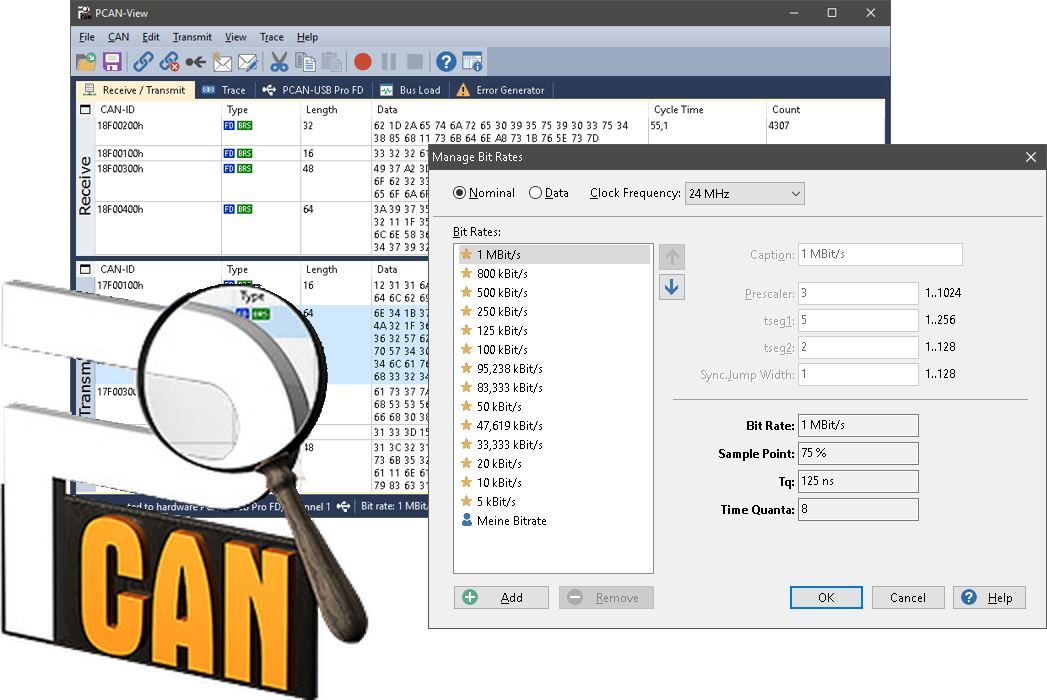
PCAN is available for the PLIN-USB, which is a synonym for ‘Peak CAN Applications’. This is a flexible system for planning, developing and using Controller Area Networks (CAN). It is a powerful product for both developers and end users.

The PCAN system consists of a collection of Windows® device drivers. These enable a real-time connection between Windows® applications and all CAN buses that are physically connected to the PC via PCAN hardware. These drivers allow all CAN channels and all CAN interfaces – even different types – to work together within a single PC.

These powerful driver packages support all CAN boards, regardless of their PC interface, with a uniform programming interface (API). This means that applications based on the API can be used with all Peak CAN without having to modify the application programme. The drivers support multiple CAN channels and/or multiple boards – even different types – to create the desired number of channels.

Features and benefits

  • Common application programming interface (API) for all supported operating systems and interfaces
  • Simultaneous support of multiple CAN channels and interface boards
  • Classic CAN (11 bit, CAN 2.0A), extended protocol (29 bit, CAN 2.0B), CAN FD and CAN XL1
  • Slim communication interface while supporting all required mechanisms for an easy operation of the interface
  • Detection and display of error frames on the bus
  • Measurement and display of the bus load (only with active CAN cards)
  • Possible operation in "Listen only mode"
  • 1 For interfaces that support these protocols
Programming environment

Programeerinterface "PCAN-Basic"

The PCAN-Basic programming interface (API) provides basic functions for connecting your own programmes to the CAN and CAN FD interfaces from PEAK-System. PCAN-Basic is the interface between the programme and the driver. In Windows® operating systems, this is a DLL (Dynamic Link Library) and in Linux operating systems, it is an SO (Dynamic Shared Object). PCAN-Basic is designed to be compatible with different operating systems. Software projects can be transferred between supported systems with little effort.
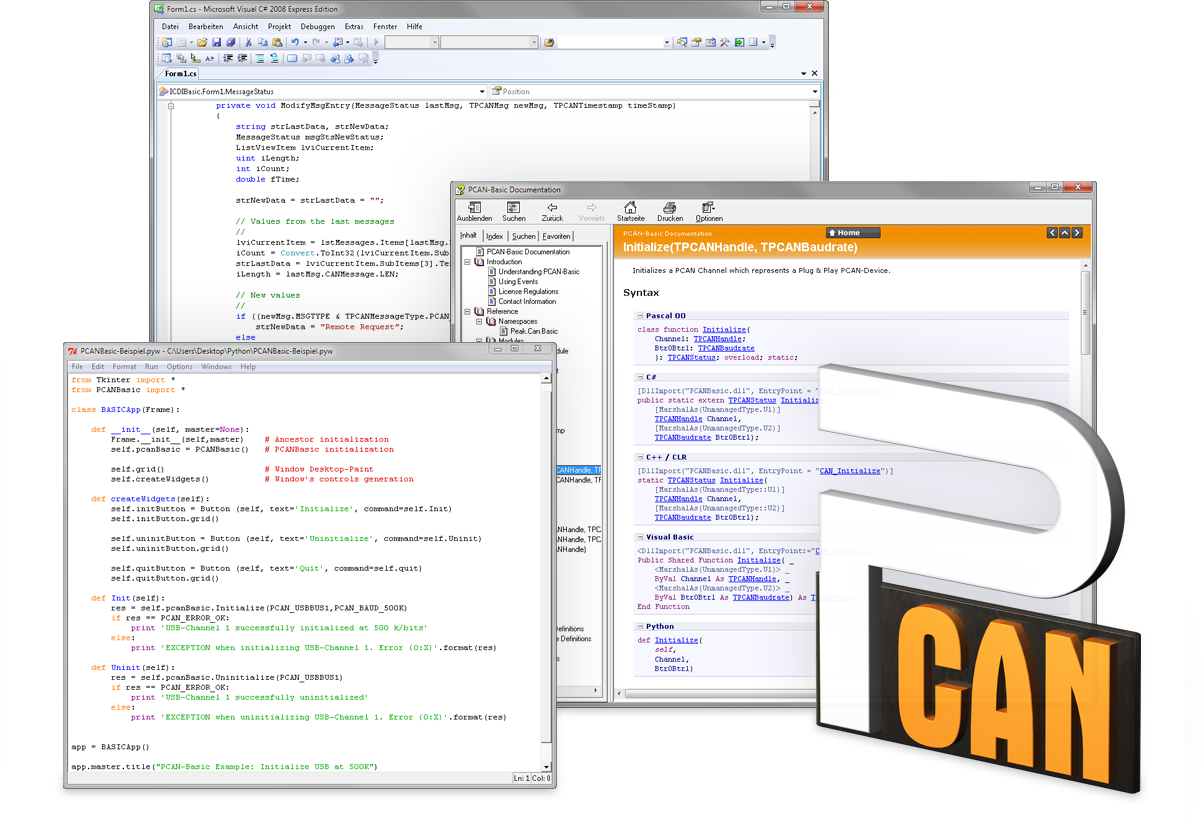
When installing the driver under Windows®, the DLL files of the PCAN-Basic API are placed in the system folder. Examples for all common programming languages, as well as libraries and help files, are available as a download package.


FAQ

  • How do I choose the right PC to LIN interface card?

    Choosing the right LIN interface depends, among other things, on the intended application, the desired PC interface, any available installation space, the intended use, and, of course, the available budget.
    Although LIN is standardized, LIN hardware PC drivers varies by brand. It is important to consider what software or development tools are needed before selecting a specific interface.

    Twincomm is a center of expertise for CAN and has over 30 years of experience with CAN. Please contact us and we’ll provide practical advice to help you make the right choice.

  • Can I order on account?

    Yes, that's definitely possible! Most customers place their orders through a Purchase Order.
    First request a quote and then send the purchase order (PO) by email, simply from your own purchasing system. For first time buyers, we may ask additional questions in order to perform a credit check. Please contact us if you require our company details for registration in the purchasing system.

    For security reasons, customers located in, or wishing to ship to, countries outside the Benelux must always pay in advance.

  • Why are all prices available upon request?

    The online webshop is still under construction. As soon as it is available, all prices will naturally be visible.

    However, everything is of course available, and we would be happy to inform you about prices and delivery times. Please contact us or give us a call. We have over 30 years of experience with CAN. We are happy to help you and offer you immediate practical advice or support.


Part number(s)

IPEH-004052 PLIN-USB
1x LIN, Galvanic Isolation
Country of Origin: Germany
HS Code: 8517620000

Scope of Supply

PLIN-USB
  • User Manual 1
  • Peak Driver voor Windows® 11 (x64/ARM64)
  • Bus-monitor "PLIN-View Pro" for LIN (Windows®) 2
  • Programming interface and API "PCAN-Basic" for developing CAN applications 2
1 Available as PDF
2 All software available by download

Interested?

Are you interested in the PLIN-USB? Request a quote without obligation. Would you like more information? Send an email to -Hidden- or visit our contact page. You can also call us at -Hidden-.
Twincomm has over 30 years of experience with CAN. We are happy to help you and offer you immediate practical advice or support.

Also interesting