PCAN-MiniDisplay
On request
Request for quote
Ask a question
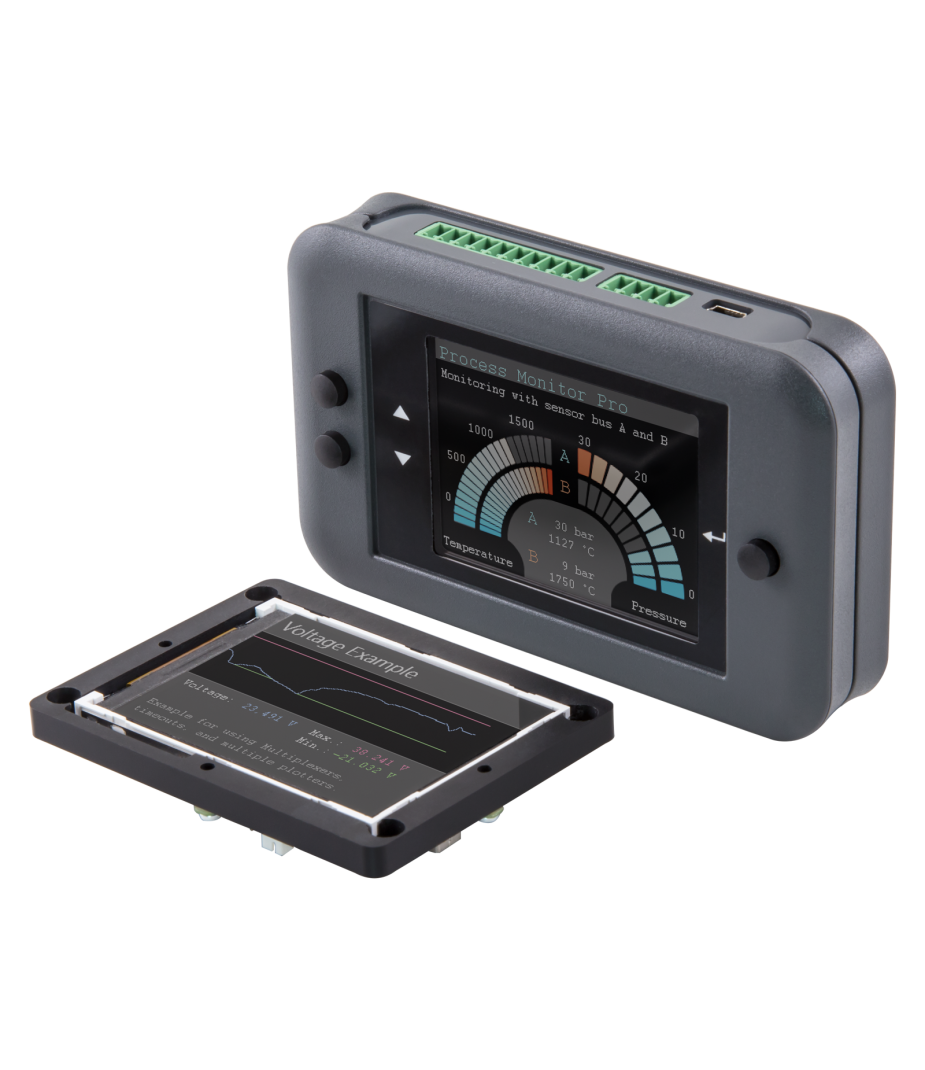
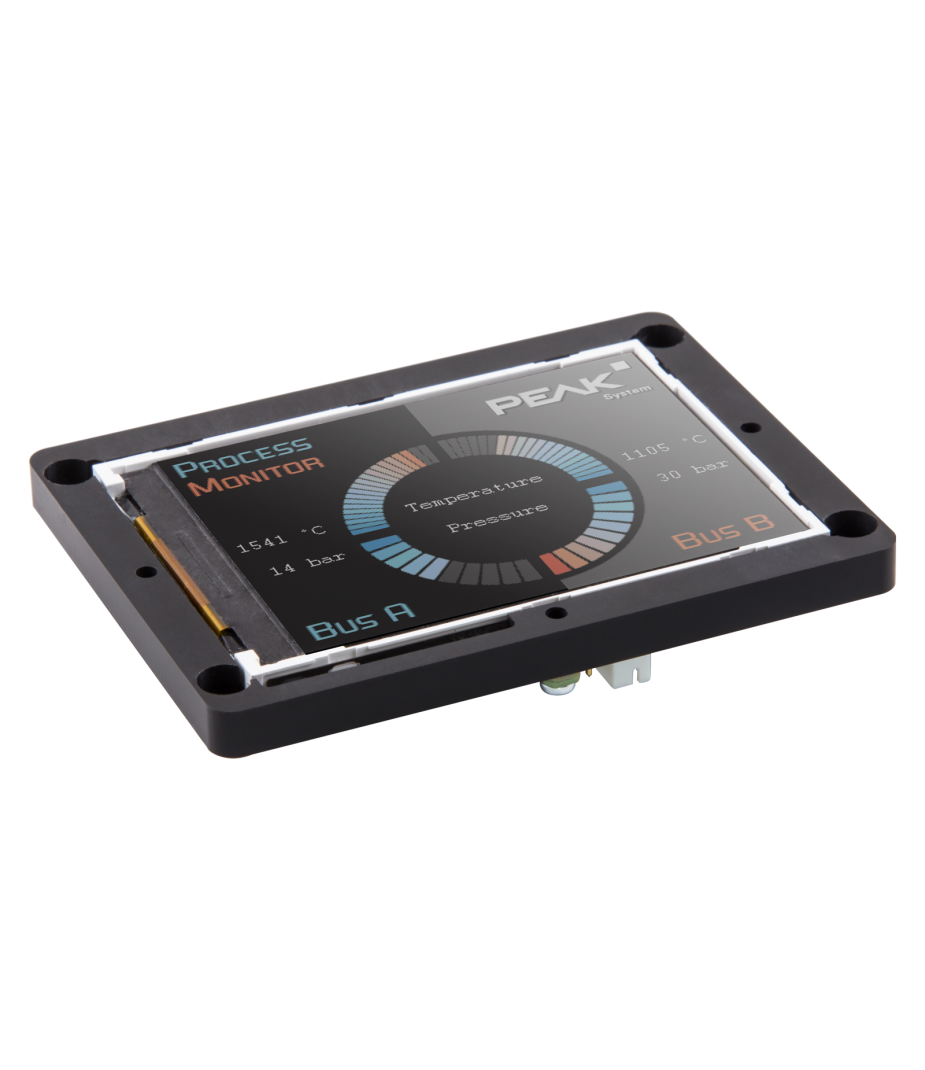
The Peak PCAN-MiniDisplay is primarily used as a user interface for visualising CAN data. In addition, the device features two high-speed CAN connectors for a stable connection to the CAN bus. Before the system is put into operation, the graphical display of incoming CAN data is configured. The data is then clearly displayed on the integrated TFT screen. Furthermore, the display facilitates a clear and rapid interpretation of CAN communication. This makes the system suitable for a wide range of industrial and automotive applications.
The PCAN-MiniDisplay can also be used for data logging within CAN networks. During operation, all data traffic is stored on a memory card. The stored data can then be played back or analysed on a PC. For example, during fault diagnosis, system tests or long-term measurements. Furthermore, this process simplifies the evaluation of complex CAN data. This makes analysis more efficient and accurate.
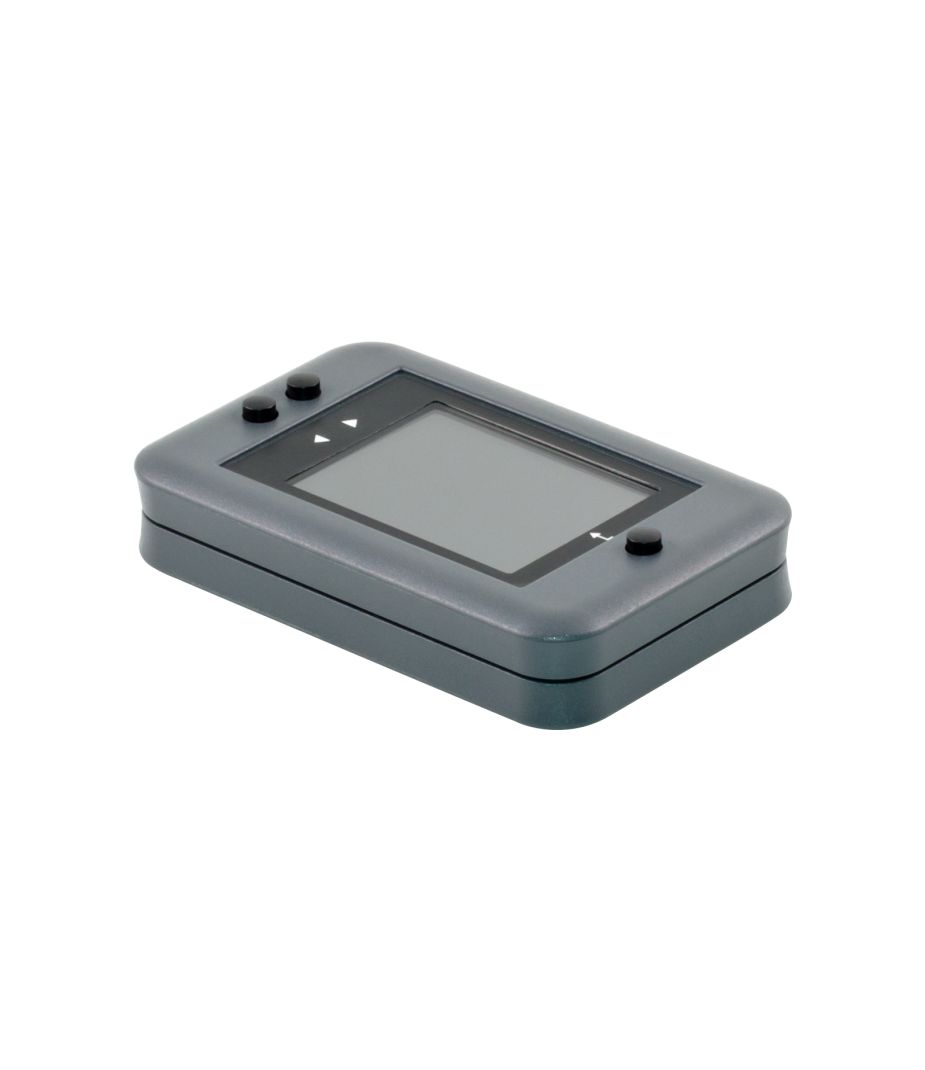
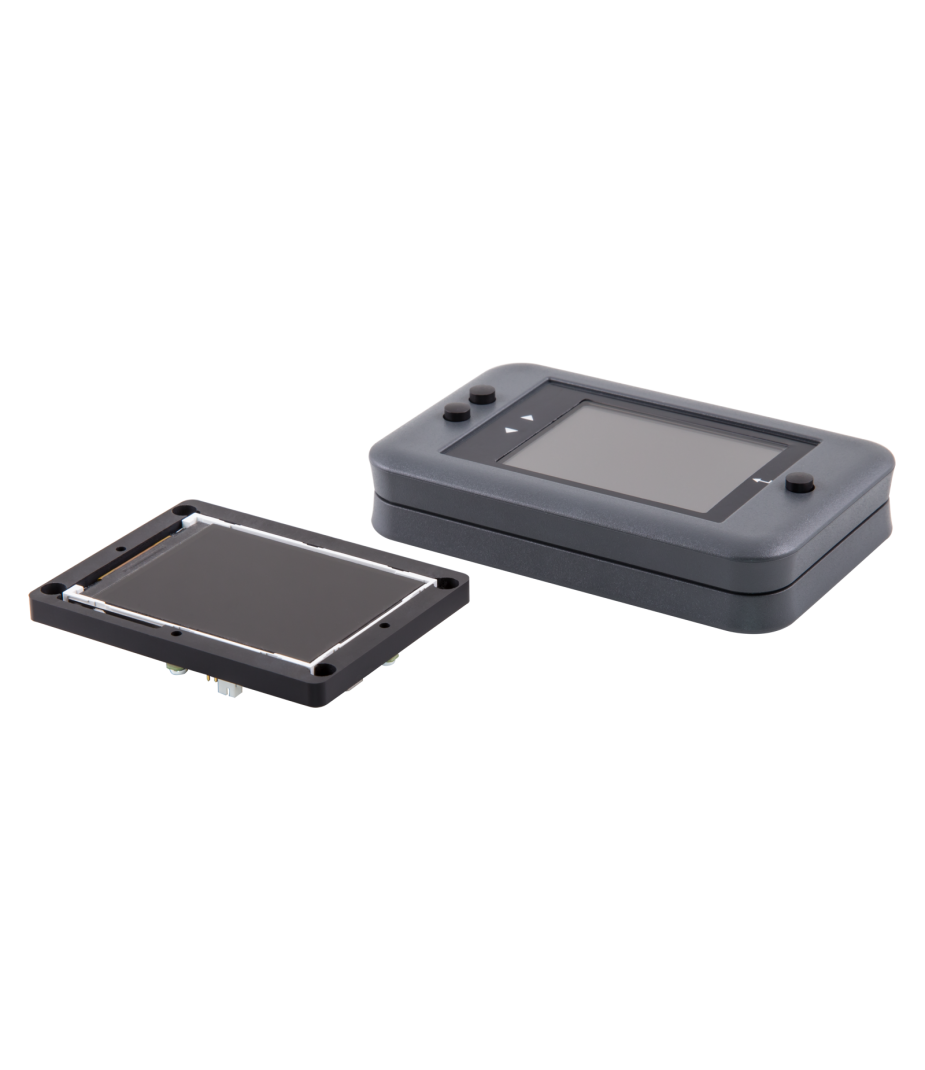
In addition to the built-in PCAN-MiniDisplay, a version with a plastic housing and push-button controls is also available. This makes it easy to create and evaluate application-specific configurations. Furthermore, the user can switch directly between different configurations during operation. This ensures that operation remains flexible and straightforward. Finally, this version offers added ease of use during testing, validation and practical evaluations.
Features and benefits
- TFT display
- 2x CAN with wake-up capability
- 2x Analog input
- 1x Digital input and 1x Digital output
- Slot for microSD memory card (max. 32 GByte)
- USB 2.0 port for memory card access
- Freely configurable visualization of CAN data via text files
- Recording of incoming CAN messages to the internal memory card
- CAN ID filtering for recordings, separately configurable for each CAN channel
- Playback of a recording with optional loop function
Tech Specs
Controller
CAN Mode
CAN Baudrates
Display
320 x 240 pixels
Geheugenkaart
Analoge ingang
Digitale ingang
Digitale uitgang
USB Poort
Connector
Power Supply
Current Consumption
Temperature
Storage -30 °C to +80 °C
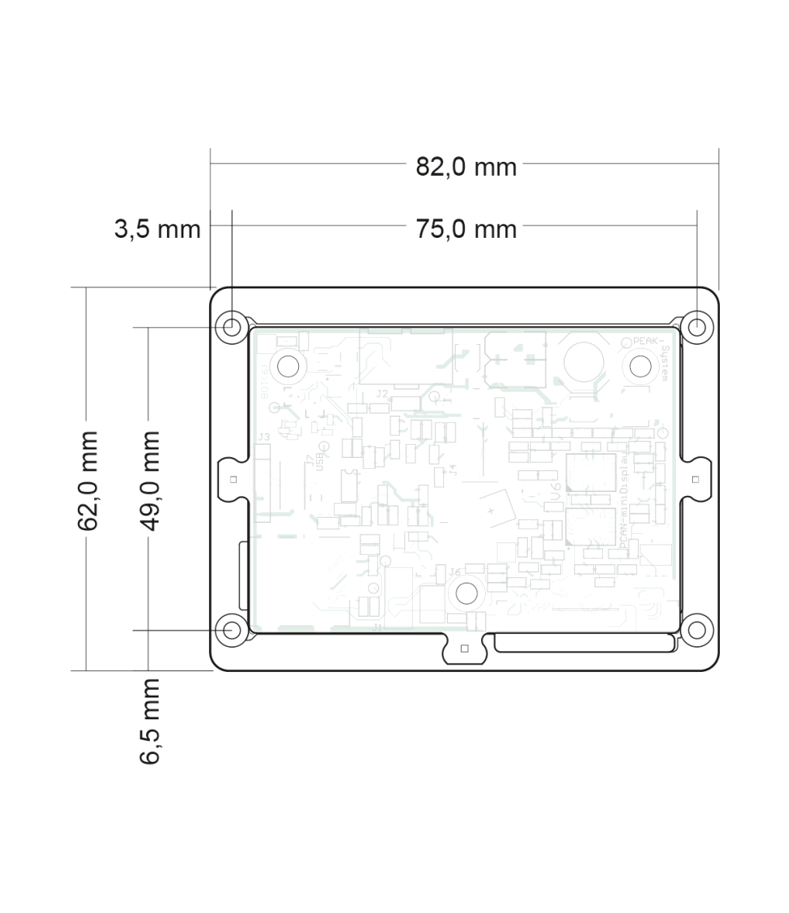
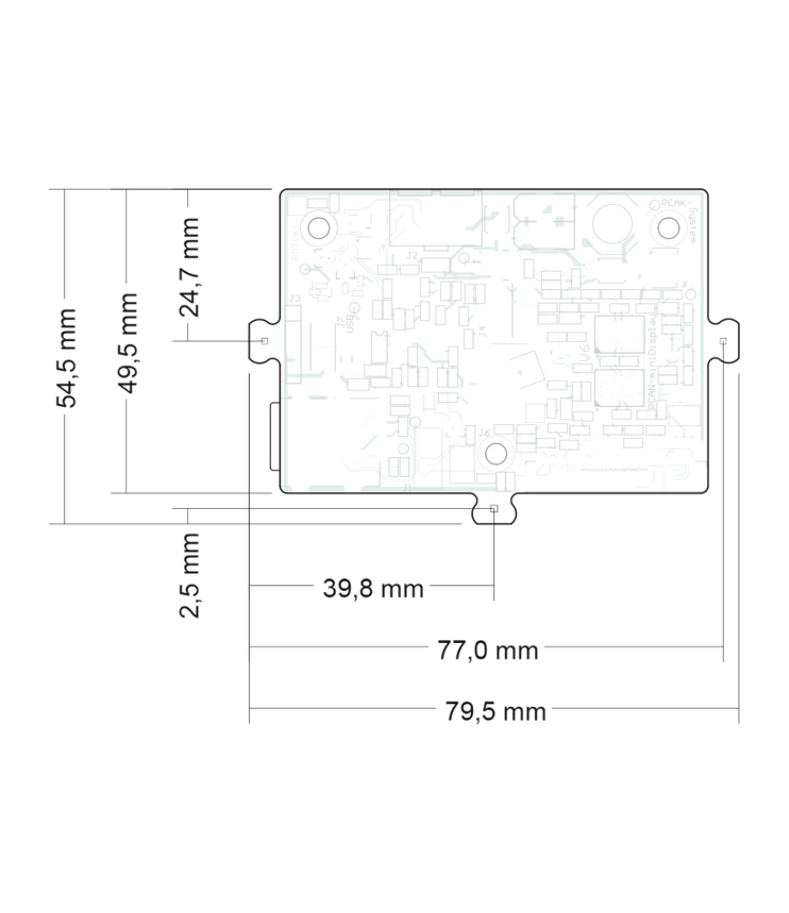
Dimensions
Certification
Tech Specs (Case)
Dimensions
FAQ
-
Are CAN terminating resistors built into the PCAN-MiniDisplay?
There are no built-in CAN terminating resistors, and there is no provision for one. If necessary, terminating resistors can be installed across the CAN connections, for each desired CAN channel. Alternatively, we offer the PCAN-Adapter D-Sub to Screw Terminals as an accessory.
-
Can I order on account?
Yes, that's definitely possible! Most customers place their orders through a Purchase Order.
First request a quote and then send the purchase order (PO) by email, simply from your own purchasing system. For first time buyers, we may ask additional questions in order to perform a credit check. Please contact us if you require our company details for registration in the purchasing system.
For security reasons, customers located in, or wishing to ship to, countries outside the Benelux must always pay in advance. -
Why are all prices available upon request?
The online webshop is still under construction. As soon as it is available, all prices will naturally be visible.
However, everything is of course available, and we would be happy to inform you about prices and delivery times. Please contact us or give us a call. We have over 30 years of experience with CAN. We are happy to help you and offer you immediate practical advice or support.
Part number(s)
| IPEH-002262 | PCAN-MiniDisplay 2x CAN Country of Origin: Germany HS Code: 8517620000 |
|
| IPEH-002262-KSM01 | PCAN-MiniDisplay & Case 2x CAN Country of Origin: Germany HS Code: 8517620000 |
Scope of Supply
PCAN-MiniDisplay
- User Manual 1
- Mounting frame
- Cables for power supply, CAN, and digital inputs
- 512 MB memory card installed
- Conversion software PEAK-Converter for Windows® 2
- Configuration examples
PCAN-MiniDisplay Case
- PCAN-MiniDisplay in plastic casing including
- Mating connectors
- 512 MB memory card installed
- Conversion software PEAK-Converter for Windows® 2
- Configuration examples
2 All software available by download
Interested?
Are you interested in the PCAN-MiniDisplay? Request a quote without obligation. Would you like more information? Send an email to -Hidden- or visit our contact page. You can also call us at -Hidden-.
Twincomm has over 30 years of experience with CAN. We are happy to help you and offer you immediate practical advice or support.